

































Quick Order Guide
Quick Order Guide Getting Started with Quick OrderUse the ECSI ordering portal to search products, place orders, reorder routine items, and track shipments in one place. | Before you begin
|
Prefer a Quick Walkthrough?
Watch the ECSI Online Ordering Guide for a quick step-by-step overview of how to activate your account, search products, place orders.
Simple Ordering in 6 Steps
Follow the steps below to activate your account, sign in, search for products, place orders, and track shipments.
1 Activate Your AccountOpen the welcome email from ECSI, select the activation link, and create your password.
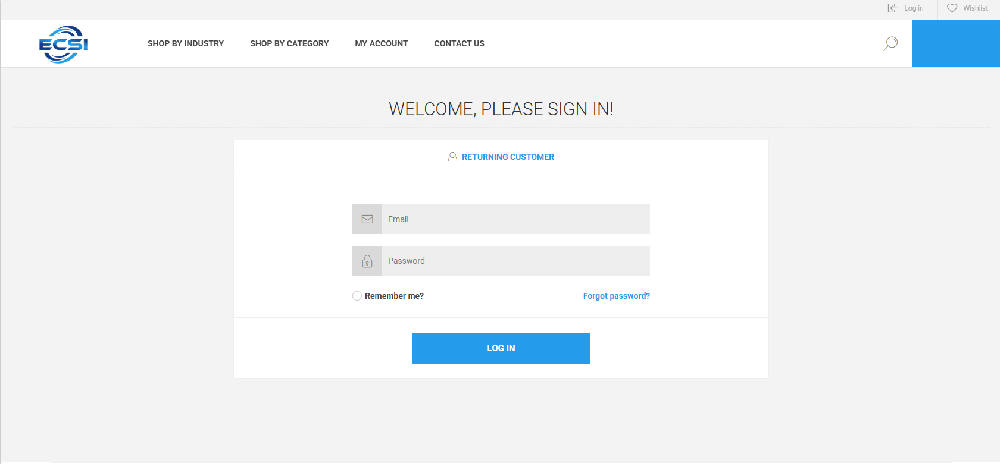
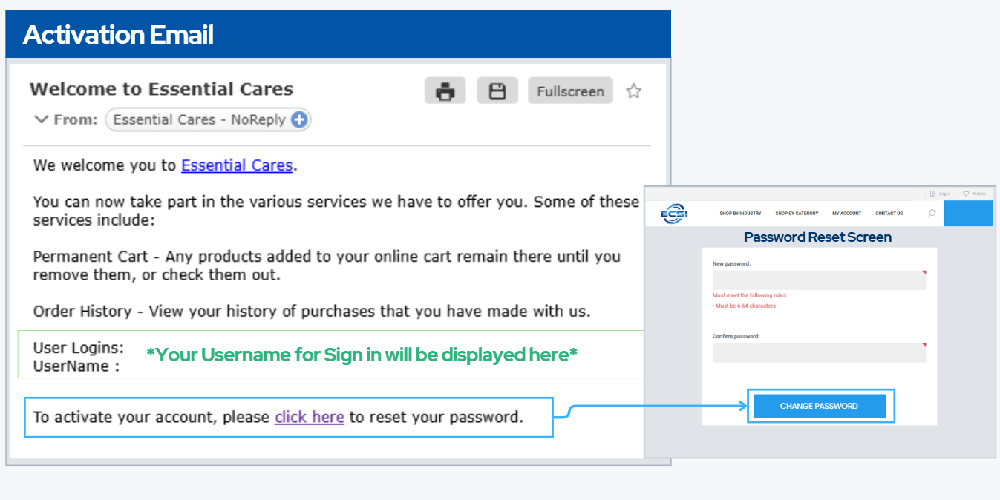 | 2 Sign InSign in with your username and password to access your dashboard and ordering tools.
 |
3 Find ProductsSearch by SKU, product name, or browse by category to find the items you need.
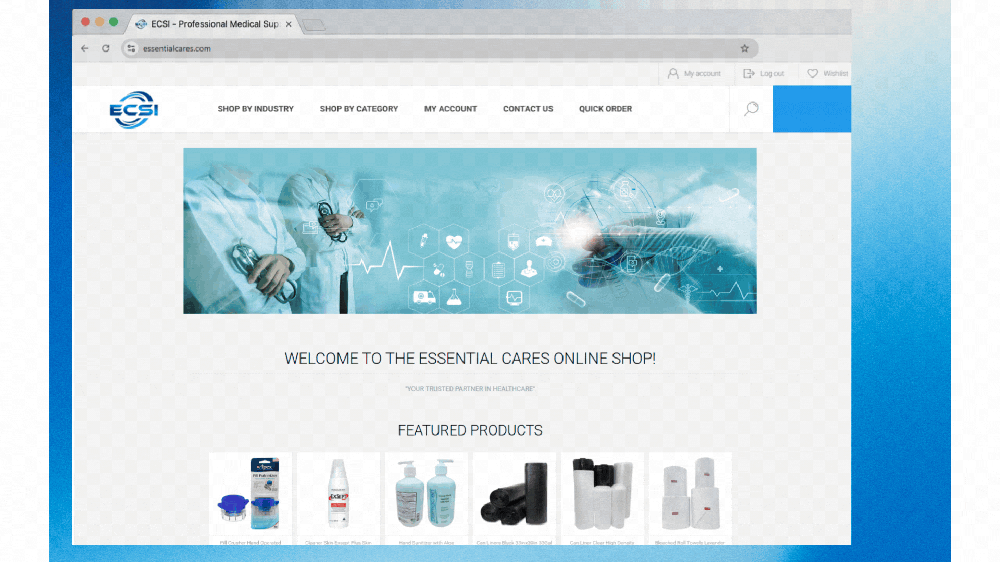 | 4 Add Items to CartSelect quantity, confirm the unit of measure, and add products to your shopping cart.
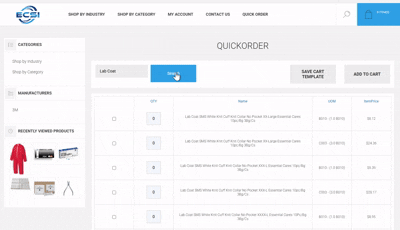 |
5 Review and Check OutVerify products, quantities, and pricing, then proceed through checkout to submit your order.
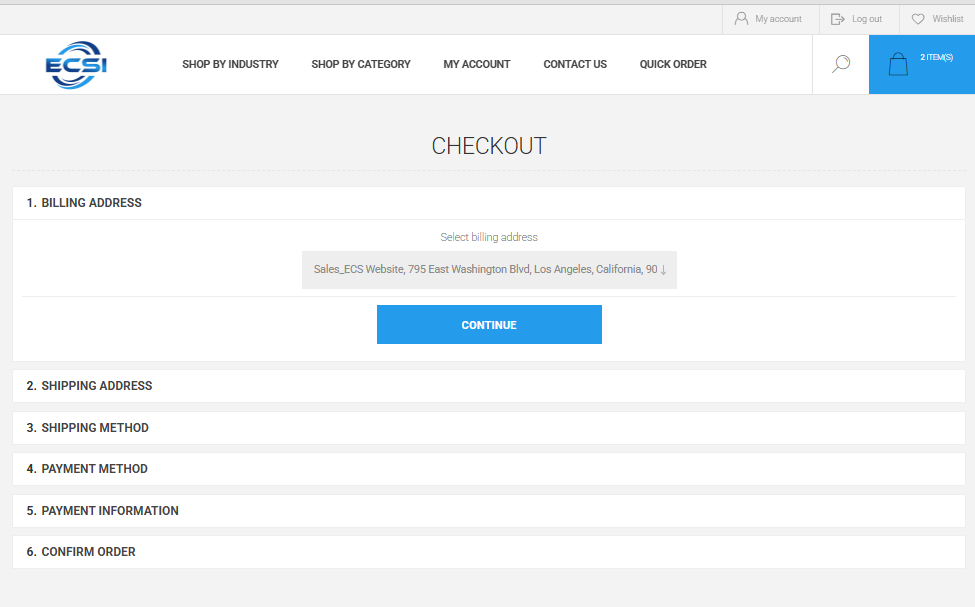 | 6 Track Orders and ReorderUse your account dashboard to view open orders, shipments, confirmations, and reorder routine items.
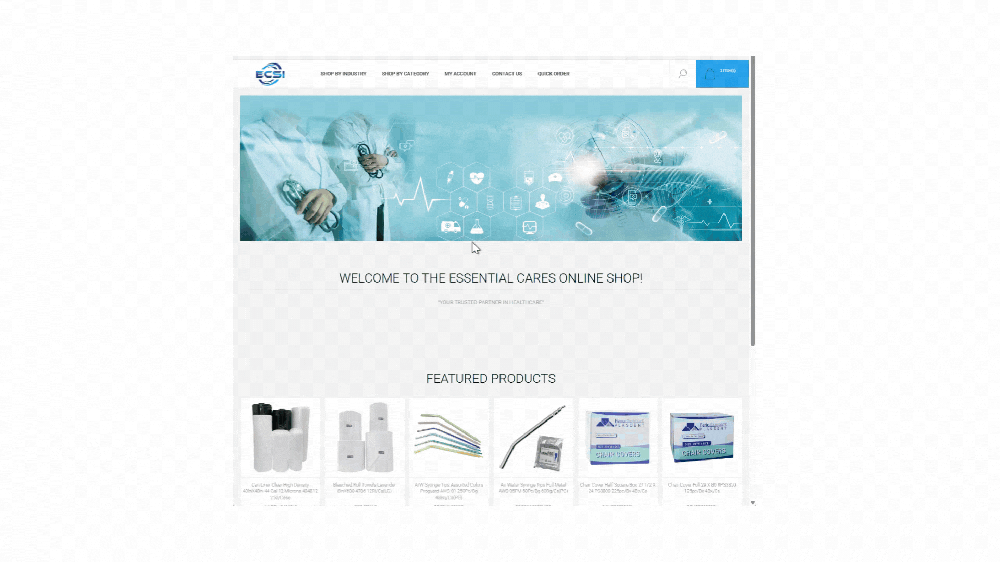 |
Helpful Notes
Account PricingPortal pricing reflects your account terms. Guide screenshots may show sample pricing for illustration only. | Saved AddressesBilling is tied to your account. Ship-to details can be selected from saved addresses or entered as needed. | Shipping VisibilityFinal freight details and order confirmations are provided through the portal and follow-up order communications. |
Need Help?
If you need portal access, password assistance, or help placing an order, contact the ECSI team.
 213-743-1401